

|
|
|
|
|
After the declaration has been accepted, an indicator will be set for the declaration. A complete report will be generate and available for download after custom had sent the required charges.
To view the reports
1. Open the View Reports page. (SAUDIEDI>> Statistical Declaration>> View Reports)
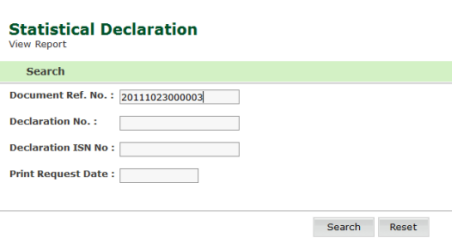
Statistical Declaration-Search Page
2. Enter information in the search criteria fields.
3. Click Search. A blank search will display all report for current account.
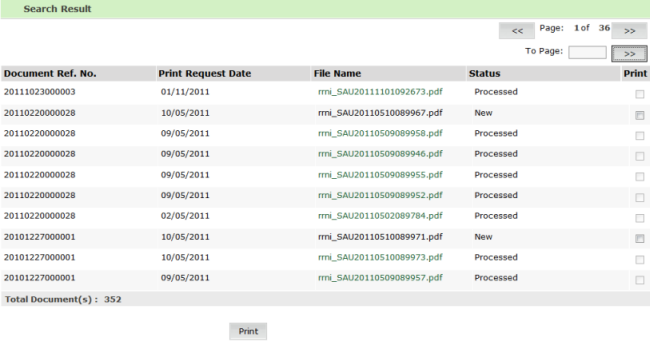
Statistical Declaration-Search Result Page
4. To download or view specific report, just click on the Filename of the declaration
5. Click Open to open it from the web site.
6. Click Save, to save it on local storage.
| Copyright SaudiEDI - 2012 |