 |
 |
|
|
This page allows you to search the export manifest details in the SAUDI EDI application.
To search export manifest details
1. Open the Search page. (SAUDI EDI>> Export Manifest >> Search)
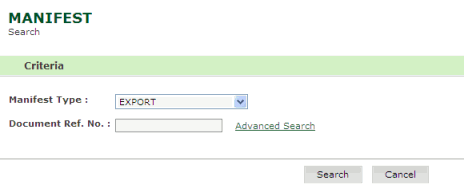
Search Export Manifest page
2. Enter information in the Search Criteria fields.
| Field | Description |
Manifest Type |
Select the manifest type from the drop down list (e.g., EXPORT, IMPORT, TRANSHIPMENT IMPORT). |
Document Ref. No. |
Enter the document reference number. |
1. Click Search, the search result screen is displayed.
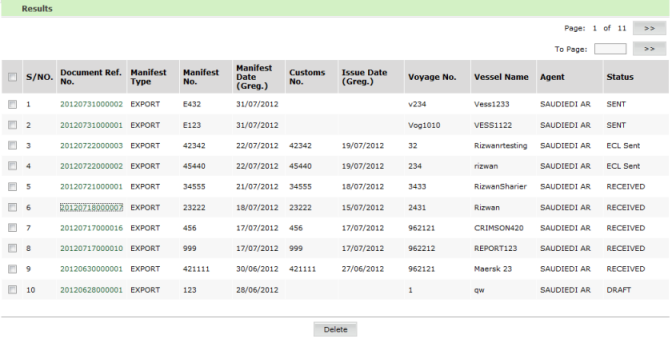
Export Manifest Search Result page
2. Click Document Ref No, the correction page is displayed
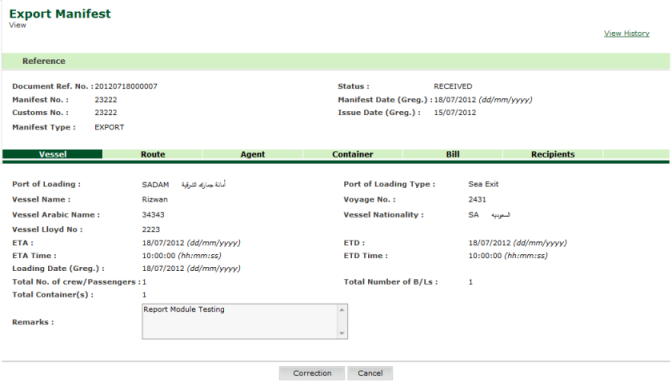
Export Manifest Correction Page
Related Topics:
|