

|
|
The Item section allows you to remove Item(s) details of statistical declaration. To access the Item section, click on the “Item” tab as illustrated in the image below.
To remove item details
1. Open the Item page.(SAUDIEDI>> Statistical Declaration>> Create>> Items)
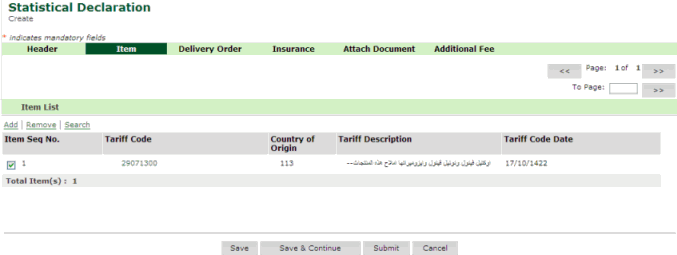
Items Remove page
2. Select the item sequence number to be removed.
3. Click Remove hyper link. The Item Details Removed page is displayed.
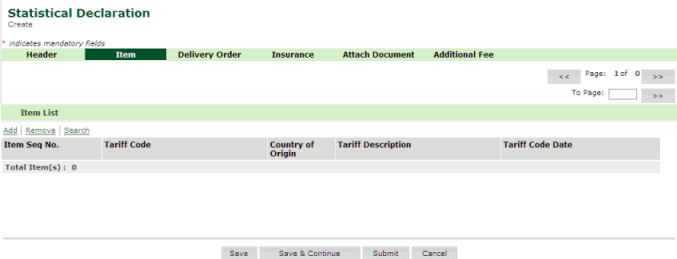
Item Removed page
Related Topics: Back To: Creating Statistical Declaration Details
|
| Copyright SaudiEDI - 2012 |